In an increasingly competitive market, the way you manage customer relationships directly determines your business success. A Customer Relationship Management (CRM) system is no longer a luxury reserved for large corporations — it has become an essential tool for businesses of all sizes. From streamlining sales processes to providing actionable customer insights, a CRM system can fundamentally transform how your business operates and grows.
What Is a CRM System?
A CRM system is software designed to manage all your company's interactions and relationships with current and potential customers. At its core, a CRM centralizes customer data in one accessible platform, giving your team a complete view of every customer interaction — from initial contact to purchase and beyond.
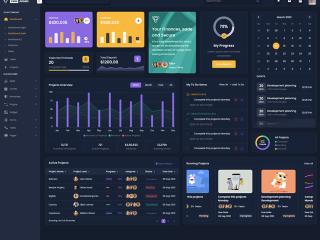
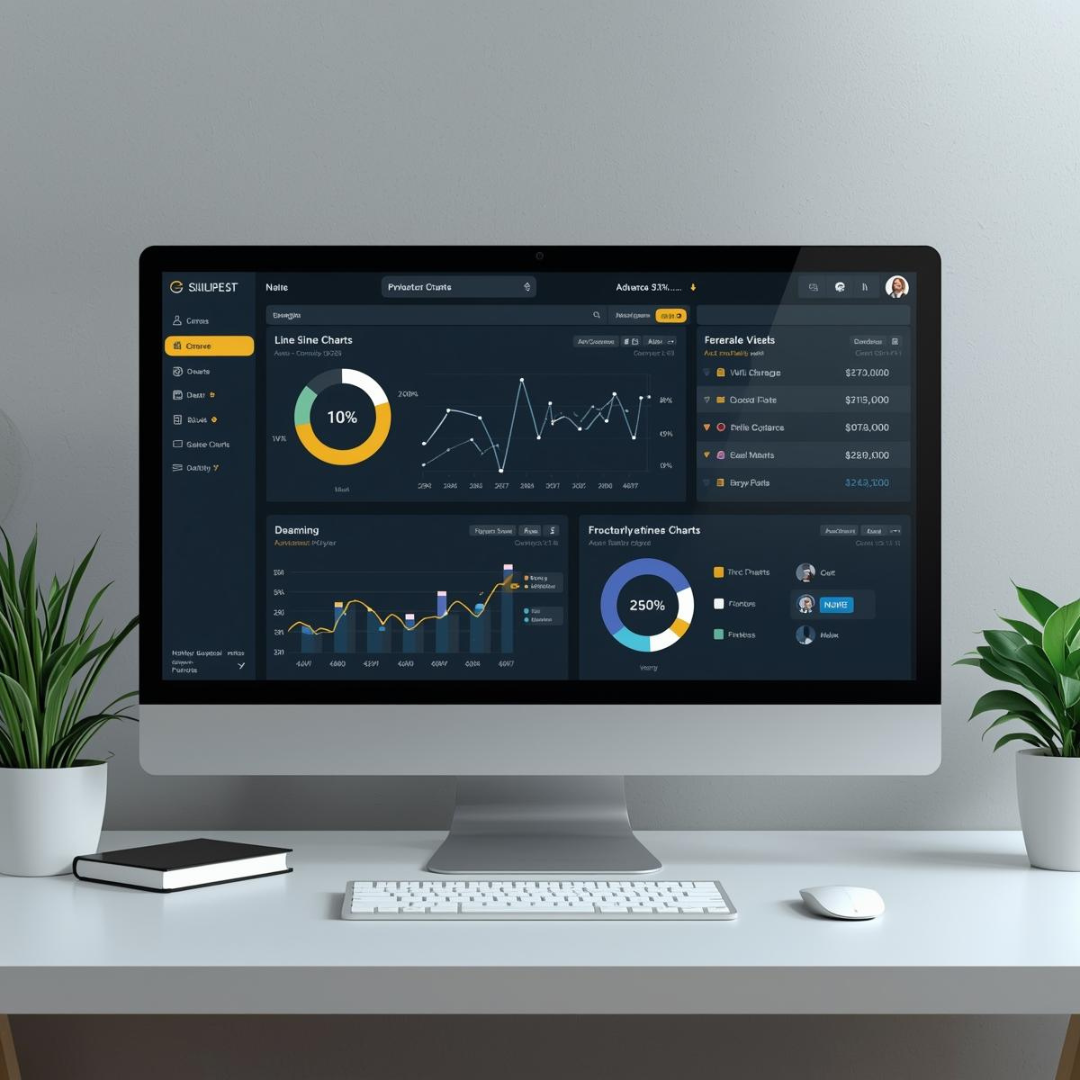
Modern CRM systems go far beyond simple contact databases. They incorporate sales pipeline management, marketing automation, customer service tools, analytics dashboards, and integration capabilities that connect with your existing business tools. Whether you are tracking leads, managing deals, or analyzing customer behavior, a CRM provides the infrastructure to do it efficiently.
Types of CRM Systems
Understanding the different types of CRM helps you choose the right solution for your business needs:
Operational CRM
Operational CRMs focus on automating and streamlining day-to-day business processes. They handle sales automation (lead tracking, pipeline management), marketing automation (email campaigns, lead scoring), and service automation (ticket management, knowledge bases). This type is ideal for businesses looking to improve efficiency in customer-facing operations.
Analytical CRM
Analytical CRMs focus on collecting and analyzing customer data to identify patterns, trends, and opportunities. They provide deep insights into customer behavior, purchase patterns, campaign effectiveness, and sales performance. This type helps businesses make data-driven decisions about marketing strategy and customer segmentation.
Collaborative CRM
Collaborative CRMs facilitate information sharing across departments — sales, marketing, customer service, and management. They ensure that everyone in the organization has access to the same up-to-date customer information, enabling consistent and coordinated customer experiences across all touchpoints.
Key Benefits of CRM Systems for Business
1. Centralized Customer Data
Without a CRM, customer information is often scattered across spreadsheets, email inboxes, notebooks, and individual team members' memories. A CRM consolidates all customer data — contact details, communication history, purchase records, preferences, and support tickets — into a single, accessible platform.
This centralization eliminates data silos, reduces errors from duplicate entries, and ensures that every team member has the context they need to serve customers effectively. When a salesperson picks up the phone, they can instantly see the customer's entire history with your company.
2. Improved Customer Retention
Acquiring a new customer costs 5-7 times more than retaining an existing one. CRM systems help you nurture existing relationships through:
- Automated follow-up reminders so no customer falls through the cracks
- Personalized communication based on customer preferences and behavior
- Proactive outreach triggered by customer activity patterns
- Customer satisfaction tracking to identify and address issues before they lead to churn
- Loyalty program management to reward and retain your best customers
3. Increased Sales Productivity
CRM systems automate many time-consuming tasks that keep salespeople from actually selling. Research shows that sales reps spend only about 35% of their time actually selling — the rest is consumed by administrative tasks, data entry, and searching for information.
A CRM automates data entry, schedules follow-ups, tracks deal progress, generates quotes, and provides templates for common communications. This means your sales team spends more time building relationships and closing deals, and less time on busywork.
4. Better Analytics and Reporting
A CRM provides real-time analytics and reporting that would be impossible to compile manually. Common CRM reports include:
- Sales pipeline reports: Visualize where deals stand and forecast revenue accurately
- Activity reports: Track team performance — calls made, emails sent, meetings held
- Customer lifetime value: Understand the long-term revenue potential of different customer segments
- Lead source analysis: Identify which marketing channels drive the most qualified leads
- Conversion rate tracking: Measure how effectively leads move through your sales funnel
5. Enhanced Team Communication
When your sales, marketing, and customer service teams all work from the same CRM platform, communication improves dramatically. Marketing can see which leads convert best, sales can see which campaigns generate opportunities, and customer service can see the full customer journey. This alignment reduces internal friction, prevents duplicate efforts, and creates a seamless customer experience.
6. Scalable Business Growth
As your business grows, managing customer relationships manually becomes increasingly unsustainable. A CRM provides the infrastructure to scale without losing the personal touch that made you successful. Whether you are managing 100 customers or 10,000, the CRM ensures consistent processes, quality interactions, and measurable results.
Industries That Benefit Most from CRM
While virtually every business can benefit from CRM, certain industries see particularly significant returns:
- Real estate: Managing property listings, buyer preferences, and agent activities. Learn more about our Real Estate CRM solutions.
- Legal services: Tracking client cases, deadlines, and communications. Explore our Law Firm CRM.
- Retail and ecommerce: Managing customer purchases, preferences, and loyalty programs.
- Healthcare: Patient relationship management, appointment scheduling, and follow-ups.
- Financial services: Client portfolio management, compliance tracking, and relationship nurturing.
- Manufacturing: Managing distributor relationships, order tracking, and after-sales support.
Choosing the Right CRM for Your Business
Selecting a CRM is a significant decision that affects your entire organization. Consider these factors:
- Business size and complexity: A startup needs different features than an enterprise with multiple departments.
- Industry-specific requirements: Some industries need specialized CRM features that generic platforms may not provide.
- Integration needs: Your CRM should connect seamlessly with your existing tools — email, accounting software, ERP systems, and marketing platforms.
- Scalability: Choose a CRM that can grow with your business without requiring a complete migration later.
- User experience: A CRM that is too complex will face adoption resistance from your team.
- Customization options: Your CRM should adapt to your workflows, not force you to change your processes.
- Budget: Factor in not just subscription costs but also implementation, training, and customization expenses.
For businesses that need a CRM tailored specifically to their workflows and industry, Zurihub Technology's custom CRM development delivers solutions built around your exact business requirements — not the other way around.
CRM Implementation Best Practices
A successful CRM implementation requires more than just installing software. Follow these best practices:
- Define clear objectives: Know what you want to achieve — better lead tracking, improved customer service, accurate forecasting, etc.
- Get executive buy-in: CRM adoption requires leadership commitment to drive organizational change.
- Clean your existing data: Migrating messy data into a new CRM defeats the purpose. Clean and standardize your data first.
- Start simple, then expand: Implement core features first, then add complexity as your team becomes comfortable.
- Invest in training: Thorough training is the single biggest factor in CRM adoption success.
- Measure and iterate: Track CRM usage metrics and continuously optimize based on feedback and performance data.